FOR OWNER-OPERATED AND SMALL-TO-MID-SIZE COMMERCIAL DOOR AND LOADING DOCK SERVICE COMPANIES
Your Customer’s Door Won’t Open. Can TheyReach You?
A stuck commercial door or loading dock problem can interrupt deliveries, limit access, or leave a property unsecured.
When that call comes in while your team is repairing equipment, driving between jobs, or away from the office, Nova can answer, collect essential details, and follow the call-handling process you establish.
WATCH THE 3-MINUTE DEMO
After-Hours Coverage Options • Service Request Intake • Built Around Your Workflow
COMMERCIAL DOOR SERVICE IN REAL LIFE
Their Operation Is Interrupted. Your Team Is Already on a Job.
When the next service call comes in, you may already be:
Repairing a commercial overhead or rolling door
Servicing loading dock equipment
Working at a busy warehouse or commercial property
Driving between service locations
Helping another customer with an urgent repair
Off the clock after a full day of work
The caller still needs a way to request help.
A facility manager with a door stuck closed needs to explain what’s happening. A business with a door that won’t secure needs to reach someone. A warehouse with a loading dock issue needs to get its service request to the right team.
If no one answers, that customer may call another company.
YOUR CALL-HANDLING PROCESS
A Professional First Response
When Your Team Is Busy
Nova is configured around how your commercial door and loading dock business handles calls.
Caller name and role
Best callback number
On-site contact, if different
City or service area
Building, entrance, or dock identification
Access instructions your company requests
Stuck open, stuck closed, damaged, or not operating as expected
When the issue began
Basic equipment details the caller can provide
Whether the property can be secured
Any safety concern reported by the caller
Requested service timing
SUPPORT FOR YOUR DAILY OPERATIONS
Three Ways Nova Supports Your Business
When your business depends on a small team, answering every call can compete with completing the work. Nova provides initial call coverage using the process you establish.
PILLAR 01
Owner Protection
When you’re repairing a door, servicing dock equipment, driving, or taking time off, Nova can handle the initial conversation and gather the information your team needs.
RESULT: FEWER INTERRUPTIONS WHILE YOU’RE COMPLETING THE CURRENT JOB.
PILLAR 02
AFTER-HOURS INTAKE
Nova can collect an after-hours service request and follow your company’s rules for urgent calls, notifications, and team handoffs.
RESULT: YOUR ON-CALL TEAM RECEIVES THE DETAILS YOUR PROCESS REQUIRES.
PILLAR 03
Overflow Coverage
When your office or service team is already helping someone, Nova can answer the next caller and follow your configured next steps.
RESULT: MORE CUSTOMERS HAVE A WAY TO REQUEST SERVICE WHILE YOUR TEAM IS BUSY.
COMMERCIAL DOOR / LOADING DOCK DEMO
Experience It Live. Listen Along.
Choose a typical service scenario and hear how Nova could handle the opening conversation.
SCENARIO 01
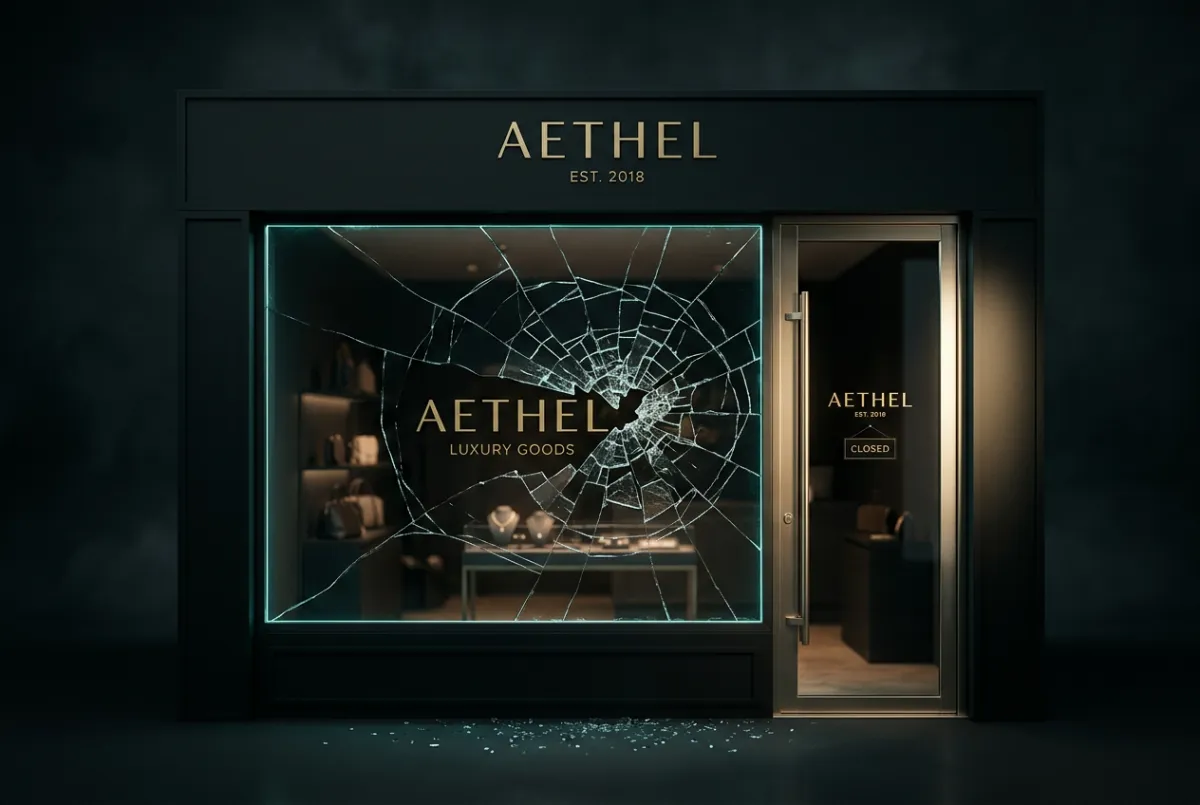
OVERHEAD DOOR STUCK CLOSED
A warehouse manager reports that a commercial overhead door won’t open and deliveries are waiting. Nova collects the facility name, service address, callback details, caller-reported issue, and information required by the company’s intake process.
Simulated Audio: 48-second triage • Lead captured live
SCENARIO 02
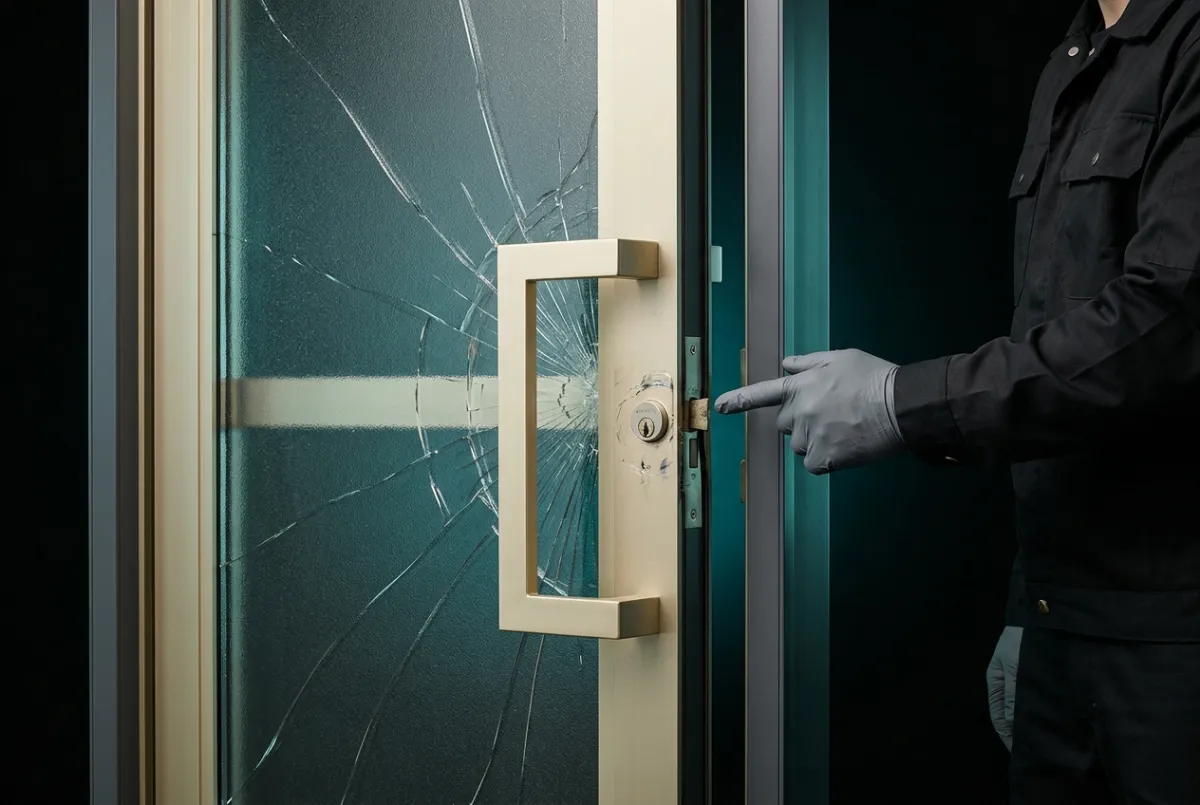
LOADING DOCK EQUIPMENT NOT OPERATING
A facility contact reports that a dock leveler is not operating as expected. Nova gathers the location, affected dock identification, reported operational impact, and service-request details without diagnosing the equipment.
Simulated Audio: 54-second triage • Hardware details recorded
SCENARIO 03
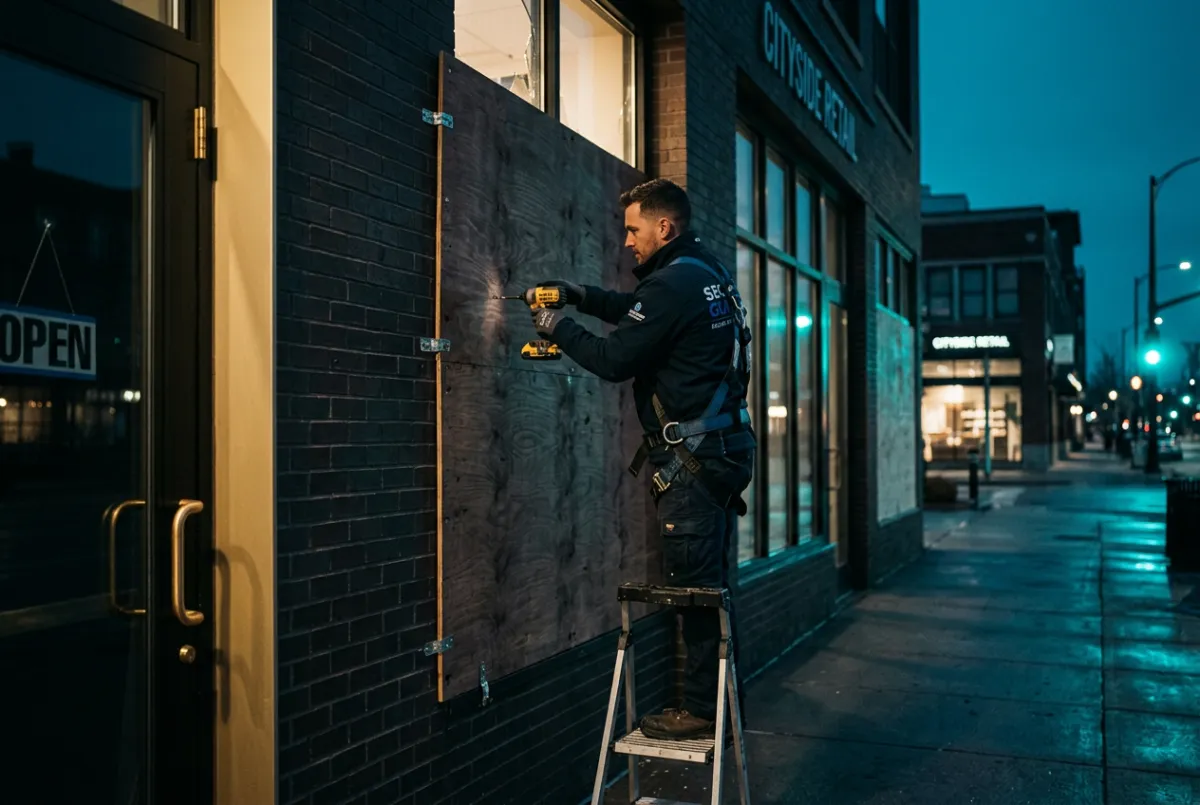
AFTER-HOURS DOOR WON’T SECURE
A business contact reports that a commercial door won’t close after hours. Nova collects the property information, contact details, and caller-reported security concern, then follows the company’s configured after-hours process.
Simulated Audio: 62-second triage • Billing pre-authorized
Experience how Nova can gather a service request while your team is unavailable.
Your Services. Your Call Flow. Your Virtual Receptionist.
BUILT AROUND YOUR BUSINESS
Your commercial door and loading dock company has its own procedures. Your virtual receptionist is configured around them.
Services & Capabilities -Handles inquiries about the door and dock services your company actually provides.
Service Area & Boundaries - Uses your approved coverage areas and instructions for out-of-area requests.
Business Hours - Follows your regular and after-hours call-handling rules.
Urgent-Call Criteria - Collects information according to your guidelines for access, security, and operational concerns.
Intake Questions- Asks for the details your office and technicians need before returning a call.
Notification & Escalation- Follows your configured process for notifying the appropriate team member.
Scheduling - Uses your approved scheduling process when that capability is configured.
Team Handoff- Passes collected information through the workflow you establish.
THE GUIDING STANDARD
“Help the caller explain the problem. Give your team the information it needs. Keep the next step aligned with your business.”
Nova demonstrates the experience. Your business receives a virtual receptionist customized around your own services, tone, and procedures.
THE NEXT STEP
Who Answers When Your Next Customer Can’t Open—or Secure—Their Door?
Try Nova, then explore how a customized virtual receptionist could support your commercial door and loading dock business while your team is working.
Customized Call Handling • Door & Dock Service Intake • Built Around Your Workflow
COMMERCIAL DOOR DEMO
VDCC AI SOLUTIONS
Build | Automate | Scale
Virtual Receptionist Solutions Built Around Your Business